Showing posts with label Internet. Show all posts


Salfeld Child Control 2011 11.252.0.0
Salfeld Child Control 2011 11.252.0.0 | 18.8 MB

Computers are the place for children. This is the place where they can sharpen their agility as well as their abilities. They can learn and make new friends. What�s more, the Internet provides information for homework assignments. So far, so good. But they also need to be protected from the computer�for one thing, so that they don�t lose their sense of time and forget to go out and play with their friends once in a while, and for another, because of the dangers lurking on the Web.
That�s why responsible parents everywhere install Child Control on every computer that their children use.New! Internet Remote Control: Starting with Child Control 2009 you can modify the most important settings or view session logs directly on the Internet. No matter where you are. No matter which browser you are using. This feature is part of the Online Functions.

Just a few things Child Control lets you do:
*NEW: Blocking of file sharing programs and sites
*NEW: 1,000,000 undesirable sites can now be selected for restriction
*NEW: Adult-content filtering provided by German government authorities
*NEW: Email reports of on- and off-times and daily statistics
*NEW: additional configuration options
*Works with all versions of Windows from 95 to Vista
*Limit time on the computer for each day of the week
*Limit use of the Internet for the day and the week
*Set PC off-limits times (e.g. after 11 p.m.)
*Set Internet off-limits times (e.g. after 11 p.m.)
*Easily extend time with passwords or TAN�s

Define �unwelcome� web content using keywords
*Set time limits for categories of websites, such as videos and online games
*Set specific time limits for each computer application
*Grant unlimited time for specific applications, such as learning tools
*Log all computer activity to let you later review each user�s activities
*Block modifications to major Windows settings
*Protect your data by blocking access to specific folders
*Limit children�s access to specific programs
*Disable �backdoor� access to programs or functions
*Extend all time limits during vacation time�one click does it all
*Set up a central database for multiple users (schools, institutions, etc.)
*for computers connected by modem, networks, DSL, routers, etc.
*Easily import or export settings or blacklists
*Send log files to any email address

OS : Win XP/2000/Vista/Win 7
Language : English

Home Page - http://www.salfeld.com/software/parentalcontrol/index.html


Meet the Author

Dhiraj Barnwal

Dhiraj Barnwal is a student and a Part time blogger He lives in India and blogs at Apps for Windows a blog which contains softwares and games for others..  

Read More ...

0 comments

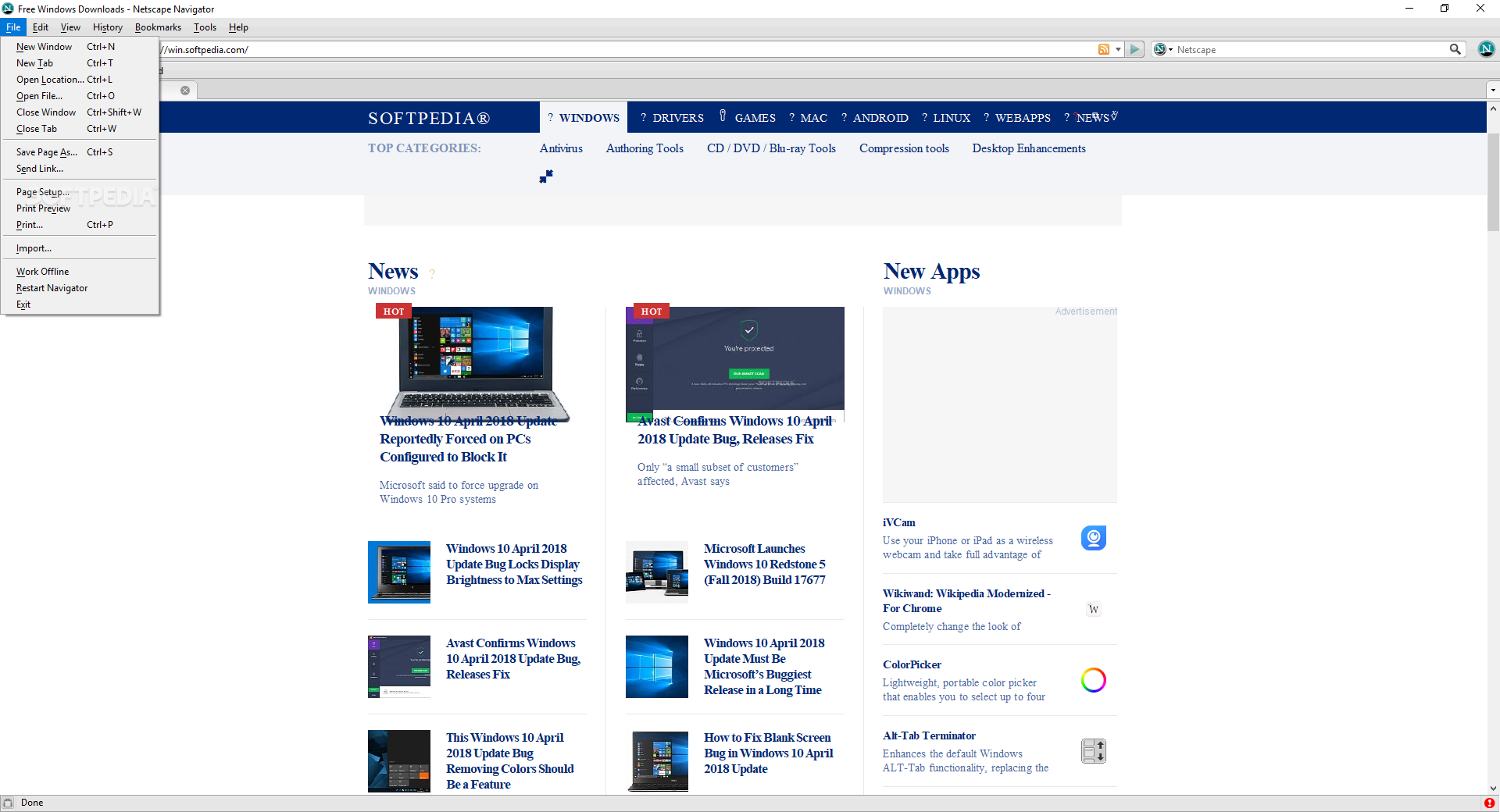
 Netscape Navigator screenshot 2

Developer:           Netscape
License / Price:   Freeware / FREE 
Size / OS:            5.8 MB / Windows All

A brand new version, based on Firefox, but with more performance improvements

Netscape began by trying to make an Internet that users found easy to use. Today we offer integrations of intuitive digital tools, innovative attractions and infinite media content.

Read More ...

0 comments

 http://www.favbrowser.com/wp-content/uploads/2010/04/internet-explorer-9.png

Developer:
License / Price:
Size / OS:

Netscape 
Freeware / FREE
5.8 MB / Windows All
The improvements to Internet Explorer are as much about what you don't see as what you do see. Internet Explorer 9 has a streamlined design, fewer dialog boxes to click through, more intuitive navigation, and many new features that speed up your web browsing experience.

Read More ...

1 comments

 http://www.softsea.com/screenshot/image/Wireshark.jpg

Wireshark is a network protocol analyzer with many advanced features.
The current stable release of Wireshark is 1.4.6. It supersedes all previous releases, including all releases of Ethereal.


Read More ...

0 comments

New features help teams and individual developers alike reach the next level in performance and functionality

Developer:              Adobe
License / Price:      Trial / $399
Size / OS:                326 MB / Windows XP / Vista / 7


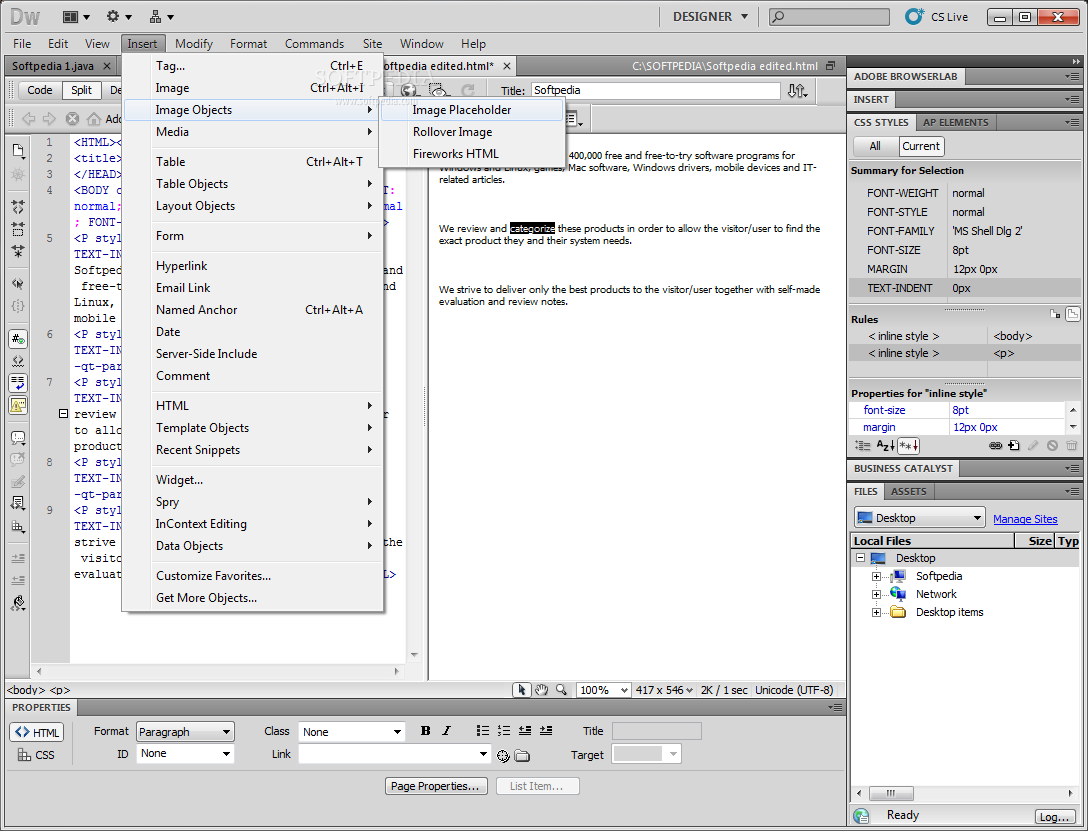
http://www.picturestack.com/900/877/Tp0MacromediaPig.pngAdobe Dreamweaver software is the ideal tool for web designers, coders, and application developers of all levels. Enhanced coding functions make it a breeze to navigate through complex site pages at design time.

Adobe Dreamweaver features improved layout tools that bring expedited workflows, from comp conception to client approval. Furthermore, innovations throughout the Dreamweaver beta can also help teams and individual developers alike reach the next level in functionality and performance.
Here are some key features of "Adobe Dreamweaver CS5":

Live View:
· View your web pages under real-world browser conditions with the new Live View in Dreamweaver - while still retaining direct access to the code. The new rendering mode, which uses the open source rendering engine WebKit, displays your designs like a standards-based browser.

Related Files:
· Manage the various files that make up the modern web page more efficiently in Dreamweaver. The Related Files feature displays all the documents associated with your current page, whether CSS, JavaScript, PHP, or XML, in a bar along the top of your document.

Code Navigator:
· The new Code Navigator pop-up window shows you all the code sources that affect your current selection. A click in either Code or Design view brings up the Code Navigator pop-up, which displays CSS rules, server-side includes, external JavaScript functions, Dreamweaver templates, Library files, iframe source files, and more.

CSS best practices:
· The Property inspector's new CSS tab shows the styles for the current selection as well as all the applicable CSS rules. Hover over any property to view a tool tip with jargon-free English explanations of CSS principles. New CSS rules can be created and applied in the Property inspector panel and stored in the same document or an external style sheet.

Code hinting for Ajax and JavaScript frameworks:
· Write JavaScript more quickly and accurately with improved support for JavaScript core objects and primitive data types. Work with popular JavaScript frameworks including jQuery, Prototype, and Spry.

HTML data sets:
· With HTML data sets functionality, you can create your data in a standard HTML table, a series of div tags, or even an unordered list and then choose Insert > Spry > Spry Data Set to integrate that data into a dynamic table on the page with sortable columns, a master-detail layout, or other sophisticated displays.

Photoshop Smart Objects:
· Photoshop and Dreamweaver integration has evolved to the next level of compatibility and functionality. Drag and drop an Adobe Photoshop� PSD file into a Dreamweaver page to create an image Smart Object.

Subversion integration:
· Dreamweaver integrates Subversion software for a more robust check-in/check-out experience with file versioning, rollback, and more. Once you've defined Subversion as your version control system, you can update your site to get the latest versions of its pages directly from within Dreamweaver; no third-party utility or command-line interface is required.

Adobe AIR authoring support:
· Create multiplatform desktop applications from your Dreamweaver HTML and JavaScript sites with new Adobe AIR authoring support.

New user interface:
· Work faster and smarter across Dreamweaver and other components of the next version of Adobe Creative Suite thanks to a new level of integration and common user interface elements.

 http://www.picturestack.com/901/12/oFMMacromediainB.png
Requirements:

· Intel Pentium 4 or AMD Athlon 64 processor
· RAM: 512 MB
· Hard Disk: 1 GB of free space
· 1,280 x 800 monitor resolution with 16-bit or greater video card
· DVD-ROM drive
· Internet connection for activation

Limitations:

· 30 days trial

What's New in This Release:
 
Integrated CMS support:
· Enjoy authoring and testing support for content management system frameworks like WordPress, Joomla!, and Drupal.

CSS inspection:
· Visually display the CSS box model in detail, and easily toggle CSS properties without reading code or needing to use a separate utility.

Integration with Adobe BrowserLab:
· Preview dynamic web pages and local content with multiple viewing, diagnostic, and comparison tools.

PHP custom class code hinting:
· Display proper syntax for custom PHP functions to help you write code more accurately.

Integration with Business Catalyst:
· Leverage integration between Dreamweaver and the Adobe Business Catalyst service (available separately) to build and host everything from amazing websites to powerful online stores and lead generating mini-sites.

CSS starter pages:
· Jump-start your standards-based website design with updated and simplified CSS Starter Layouts.

Subversion support:
· Manage site files more effectively.
 http://3.bp.blogspot.com/_DqqEzI3dbfg/TUxdR6aiFoI/AAAAAAAAAOA/Vodk8VLgeGI/s1600/black+download+button.png

Read More ...

0 comments

Developer:            Speedbit LTD.
License / Price:     FREE
Size / OS:           
   12.6 MB / Windows All


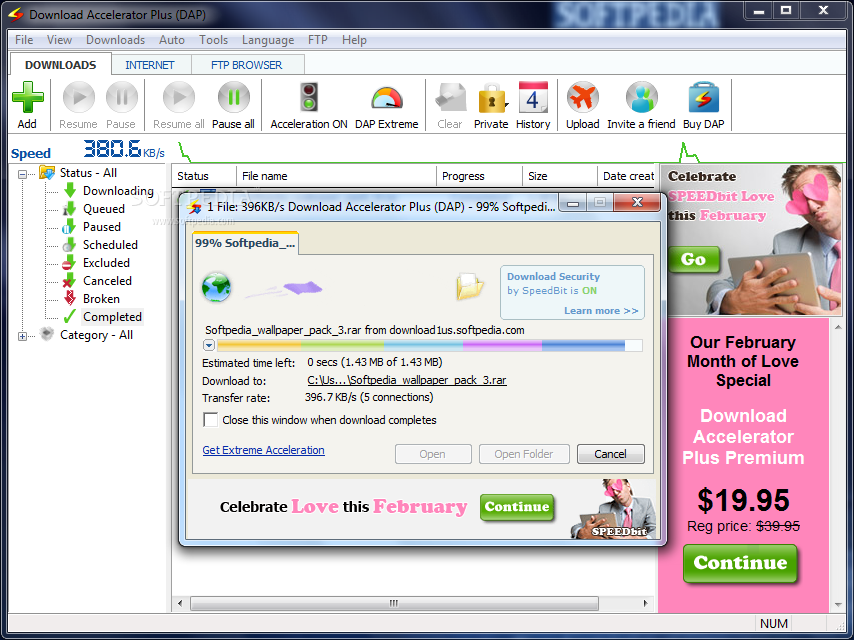
http://www.picturestack.com/900/194/umQDownloadAcTFV.pngDownload Accelerator Plus (DAP) is the world's most popular download manager with over 180 million installs worldwide. DAP accelerates your download speed so you can get all your favorite files, applications, and videos as fast as possible.

Read More ...

0 comments

Developer:                 Opera Software
License / Price:          Freeware
Size / OS:                  
7 MB / Windows All

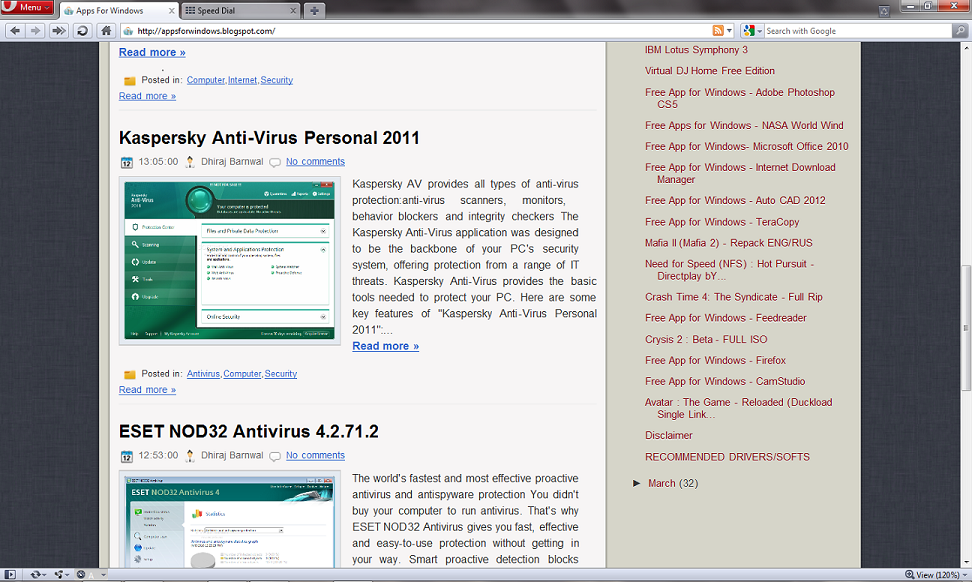
http://www.picturestack.com/636/748/9L0OperaAI3.pngOne of the fastest, smallest and smartest full-featured web browser

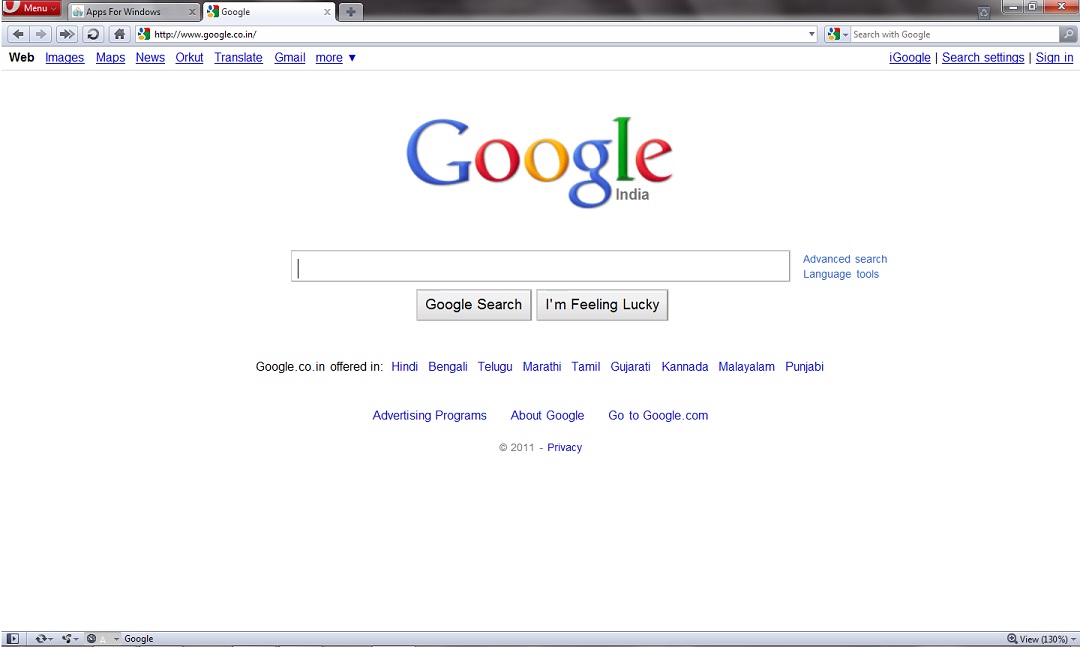
The most full-featured Internet power tool on the market, Opera includes tabbed browsing, pop-up blocking, integrated searches and advanced functions like Opera's groundbreaking e-mail program, RSS Newsfeeds and IRC chat. And because we know that our users have different needs, you can customize the look and content of your Opera browser with a few clicks of the mouse.

The Opera Web browser offers several new features for functionality, security, usability, customization, searching, saving, taking shortcuts and accessing Web content.

Whether you're going to work, working from home, developing Web sites, or just looking for a quick, solid browser that can help you quickly access the Internet, Opera delivers a superior Web experience for every aspect of your online life, with lots of tech tools for power users.
Here are some key features of "Opera Web Browser":

Speed Dial:
· Now you have a new way to access your favorite Web sites. Just open a new tab to get your Speed Dial. It's easy to populate and addictive to use.

BitTorrent:
· You don't need a separate BitTorrent application to download large files. Simply click a torrent link and start the download.

Site preferences:
· Want to view a site in a different way or deny certain cookies? Want to block pop-ups on certain sites only? Right click and select "Edit site preferences".

Thumbnail preview:
· It is easy to have many tabs open at once in Opera. But exactly which tab had that video you wanted? Hover your mouse on any tab to see a thumbnail preview.

Fraud protection:
· Opera's advanced fraud protection protects you against web sites that try to steal your personal information.

Add your favorite search engines:
· Right-click on the site's search field and select "Create search" from the menu.

Widgets:
· Small Web applications (multimedia, newsfeeds, games and more) that make your desktop experience more fun. Use the Widgets menu to discover new widgets and access your favorites.

Transfer manager:
· View download progress and access all your downloads from one simple transfer manager window.

Password manager:
· The password manager remembers your usernames and passwords so you will not have to.

Mouse gestures:
· Opera supports mouse gestures, allowing you to perform certain movements with the mouse to access commonly used features.

Notes:
· Notes can be kept in conjunction with a Web site you want to refer to later, or remind you of any particular information you may like to review again.

Keyboard Shortcuts:
· Keyboard shortcuts - like mouse gestures - make your browsing faster and more efficient. Read more about all the keyboard shortcuts in Opera.

Tabbed browsing:
· Surf the Web easier and faster by opening multiple Web pages within the same application window

Integrated search:
· Search Google, eBay, Amazon and more with our integrated search field. You can also search directly in the address field using keywords

Fast Forward:
· Fast Forward will detect the most likely "next page" link and greatly simplify navigation in multi-page documents such as search results and image galleries.

Voice:
· The voice feature allows you to control Opera's interface by talking and to have documents read aloud. Voice is currently offered in English

Full-screen mode:
· The F11 key toggles Opera's projection mode, using the whole screen for browsing and, if a projection style sheet is present, displays 'slides' suitable for presentation.

Kiosk mode:
· Opera supports kiosk mode - a lock-down mode in which the browser can be used for unattended computers in public places.

Opera mail:
· Our built-in POP/IMAP E-mail client is a combined e-mail program, news reader, mailing list organizer and RSS/Atom newsfeed reader.

Standards support:
· We take pride in supporting all major Web standards currently in use, including CSS 2.1, XHTML 1.1, HTML 4.01, WML 2.0, ECMAScript, DOM 2 and SVG 1.1 basic.

http://www.picturestack.com/636/798/837DhirajGtd.jpgRequirements:

· 20 MB of free disk space.


What's New in This Release:

· With the new, more flexible Speed Dial your favorite sites are better looking than ever. Speed Dial automatically uses website logos and lets Web developers make content tailored for speed dial. And in Opera 11.10 you can add as many sites to Speed Dial as you like.
· Opera Barracuda features a fresh version of Opera's rendering engine: Presto 2.8.131 with support for WebP, CSS and gradient and a bunch of other enhancements. Opera's Turbo has gotten a boost as well and gives (even) faster loading times and better image quality.

 http://3.bp.blogspot.com/_DqqEzI3dbfg/TUxdR6aiFoI/AAAAAAAAAOA/Vodk8VLgeGI/s1600/black+download+button.png
Read More ...

1 comments

Developer:               Google
License / Price:        Freeware
Size / OS:                
21.2 MB / Windows XP / Vista / 7 / 7 x64

http://i1-news.softpedia-static.com/images/news2/Google-Chrome-Review-12.jpgA browser that combines a minimal design with sophisticated technology

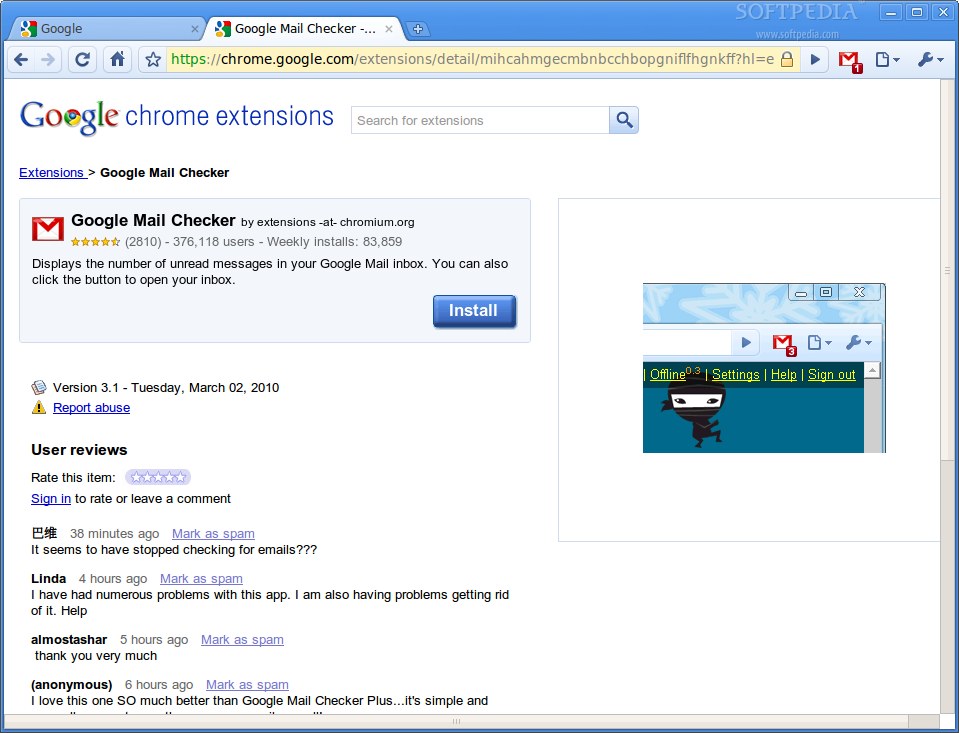
Google Chrome was developed to be a browser that combines a minimal design with sophisticated technology to make the web faster, safer, and easier.

One box for everything
Type in the address bar and get suggestions for both search and web pages.
Thumbnails of your top sites
Access your favorite pages instantly with lightning speed from any new tab.
Shortcuts for your apps
Get desktop shortcuts to launch your favorite web applications easily and quickly.
http://www.tipsotricks.com/wp-content/uploads/2011/03/Google-Chrome-12-screenshot.png
Read More ...

0 comments

Surf anywhere, download anything - Threat free!

http://www.picturestack.com/577/178/qeHBufferZone5nu.png
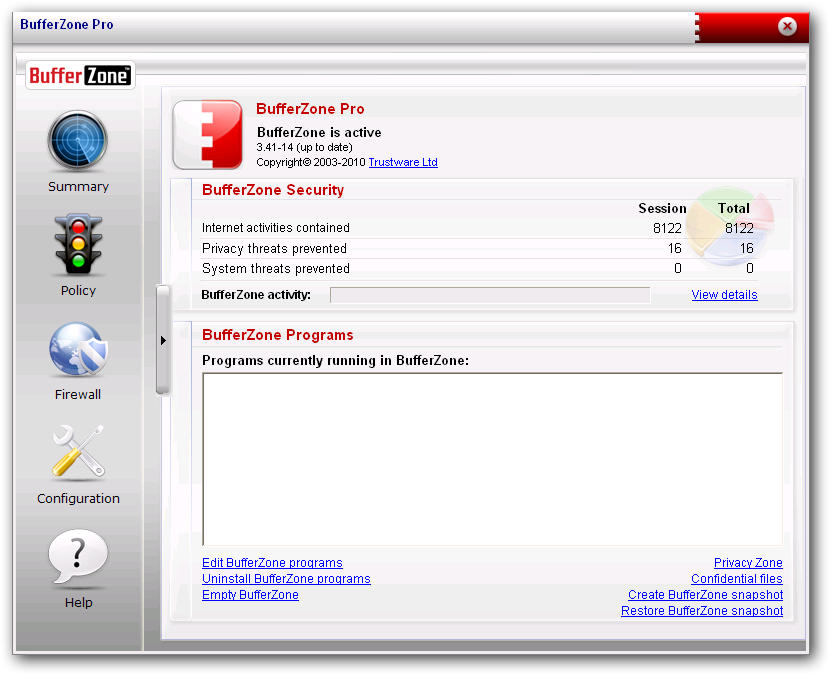
February 21, 2011  Update: Due to the overwhelming response of the holiday's giveaway promotion, the yearly payment for BufferZone Pro has been eliminated. BufferZone Pro is now offered as free for home users (Trustware forum support included).

You probably already have anti-virus and/or anti-spyware protection, and you’re asking, “Why should I bother with anything else? The answer is that today’s popular protection suites have a major inherent flaw—they require constant updates and maintenance.

Critical time passes between the moment a new threat is unleashed on the Internet and the moment your anti-virus or anti-spyware provider offers an effective response to it. Even more crucial time passes between this moment and the moment your security software is updated against this new threat.

Read More ...

0 comments

http://i1-win.softpedia-static.com/screenshots/Internet-Download-Manager_1.pngSchedule, resume and accelerate downloads by up to 5 times with this very good accelerator

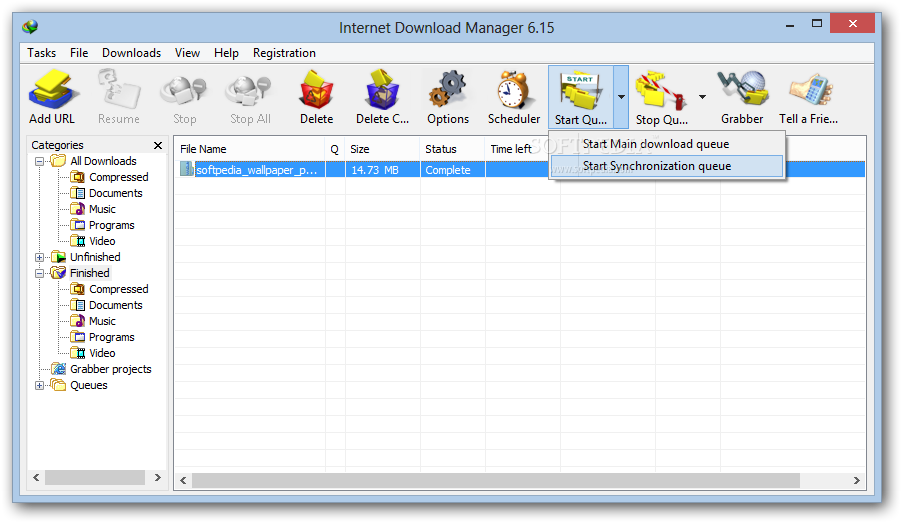
Internet Download Manager (IDM) is a tool to increase download speeds by up to 500 percent, resume and schedule downloads.

Comprehensive error recovery and resume capability will restart broken or interrupted downloads due to lost connections, network problems, computer shutdowns, or unexpected power outages. Simple graphic user interface makes IDM user friendly and easy to use.

Read More ...

1 comments

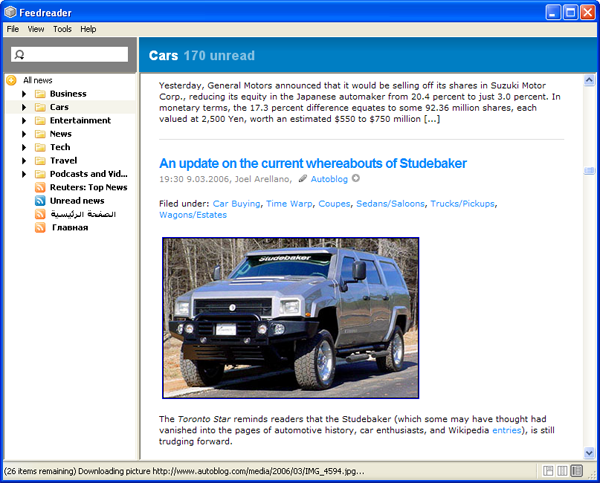
Feedreader is the most robust, highly-functional personal aggregation solution on the market today. It dynamically reads, collects, and organizes syndicated Web content, and seamlessly delivers it directly to user desktops. With Feedreader, you have instant, convenient access to the up-to-the-minute news you need, without information overload.
Feedreader automatically downloads updates from your favorite Web sites. So, it eliminates the need for you to constantly monitor multiple Web pages, while allowing you to immediately identify and retrieve new articles – no matter how long you’ve been away from your desk.
Feedreader provides cutting-edge features in an intuitive, user-friendly environment. Even non-technical users can view comprehensive, consolidated information from across the Internet – faster and easier than ever before.

Read More ...

0 comments

http://www.softwaredownloadfree.com/screenshot2/4-firefox-screenshot.png
The Firefox browser is created by Mozilla, a non-profit organization whose mission is to promote openness, innovation and opportunity on the Web.


Read More ...

1 comments

Free Streaming Video Software 

CamStudio is able to record all screen and audio activity on your computer and create industry-standard AVI video files and using its built-in SWF Producer can turn those AVIs into lean, mean, bandwidth-friendly Streaming Flash videos (SWFs)
Here are just a few ways you can use this software:
  • You can use it to create demonstration videos for any software program
  • Or how about creating a set of videos answering your most frequently asked questions?
  • You can create video tutorials for school or college class
  • You can use it to record a recurring problem with your computer so you can show technical support people
  • You can use it to create video-based information products you can sell
  • You can even use it to record new tricks and techniques you discover on your favourite software program, before you forget them

Read More ...

0 comments

http://www.pidgin.im/shared/img/logo.pidgin.pngPidgin is an easy to use and free chat client used by millions. Connect to AIM, MSN, Yahoo, and more chat networks all at once.

Supported chat networks:
  • AIM                       IRC                         Simple
  • Bonjour                 MSN                        Sametime
  • Gadu-Gadu            MXit                       XMPP  
  • Google Talk          MySpaceIM            Yahoo
  • Groupwise            QQ                           Zephyr
  • ICQ                       SILC

Read More ...

1 comments

http://atube-catcher.dsnetwb.com/apics/atube_Catcher_stream_catcher.pngDownload videos from YouTube™ and all the best video sites for free!

Download videos from social web sites like MySpace, Dailymotion, Megavideo, Google, Yahoo!, Metacafe, Spike, Megarotic, Yahoo!, Globo, RTVE, YouTube, etc; thousands of video sharing sites!; You can export the multimedia content to your computer or your mobile device, IPAD, IPOD, PSP, GPS devices, MP4 Players, Cell Phone, Android devices, DVD, VCD, MP3, Iphone.


Read More ...

0 comments

A complete Web Authoring System that rivals programs such as FrontPage and Dreamweaver.
NVu is designed to be extremely easy to use. It is ideal for non-technical computer users who want to create an attractive, professional-looking web site without needing to know HTML or web coding.

NVu allows you to create web pages as easily as you would type a word processing document, and then publish them to your website just by saving the document.


Read More ...

0 comments

Miro is a feature-rich video player supporting fullscreen playback, resume from last position, and plays almost every file format.

The real power of Miro isn't with its playback features though: Miro provides a TV like experience on your PC! You can search all the popular internet video sites,watch and download online content, and subscribe to online content providers.

Read More ...

0 comments

Google Earth combines satellite imagery, maps, terrain and buildings onto a 3D globe that you can move around.

Read More ...

0 comments

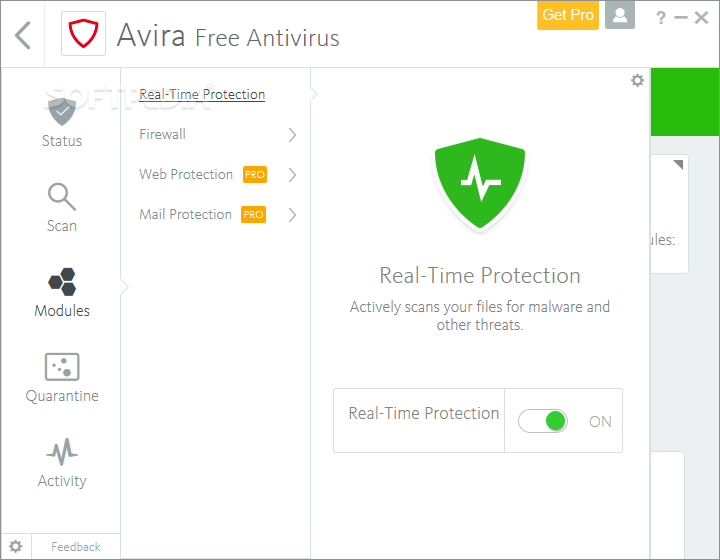
http://i1-win.softpedia-static.com/screenshots/AntiVir-Personal-Edition_2.pngAvira AntiVir Personal FREE Antivirus was developed to be a reliable free antivirus solution, that constantly and rapidly scans your computer for malicious programs such as viruses, Trojans, backdoor programs, hoaxes, worms, dialers etc. Monitors every action executed by the user or the operating system and reacts promptly when a malicious program is detected.

Avira AntiVir Personal is a comprehensive, easy to use antivirus program, designed to offer reliable free of charge virus protection to home-users, for personal use only, and is not for business or commercial use.

Read More ...

0 comments

http://www.stardock.com/products/objectdock/images/objectdock_plus_preview.png
 
Features
Position dock on any monitor edge
  • Supports multiple monitors
  • Adjustable transparency for background and icons
  • Running indicators for open programs
  • Minimize windows to dock with live animation
  • Compatibility - made for older/slower computers
  • Optional “auto-hide” when a maximized window is in use
  • New background blur-behind (Windows 7/Vista only) 
 
Read More ...

0 comments